AI & Creative Process
Introduction
There is a lot of discussion about the use of AI and the way it is changing the creative market. I have been working with AI from the beginning, using it at different levels of my professional process.
To be honest, whether we like this new tool or not, the fact is that today it is becoming almost impossible to develop many kinds of creative and technical work without some contact with it.

Visual References & Image Development
In recent years, I have used AI in many different ways: from simple image research and the creation of visual references, to generating images that help me test ideas, moods, compositions and visual directions.
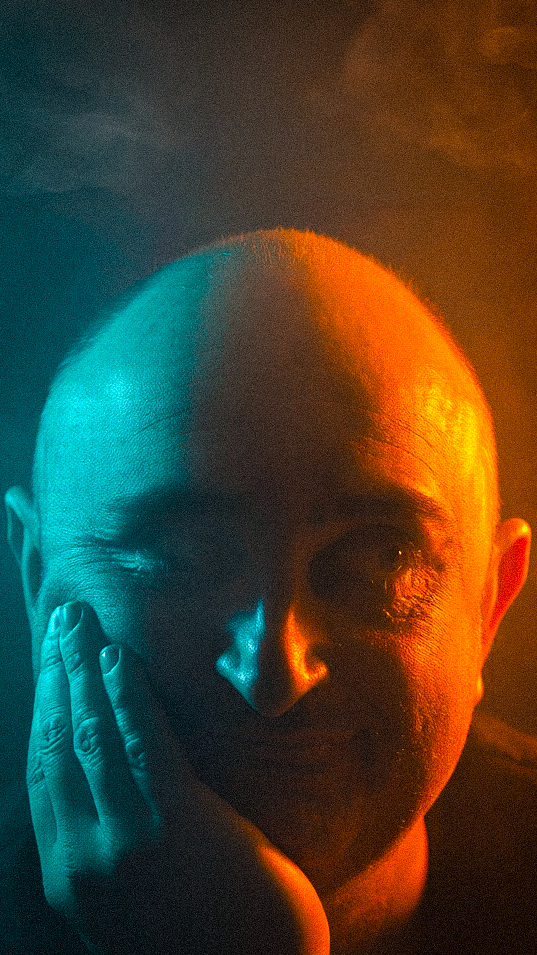
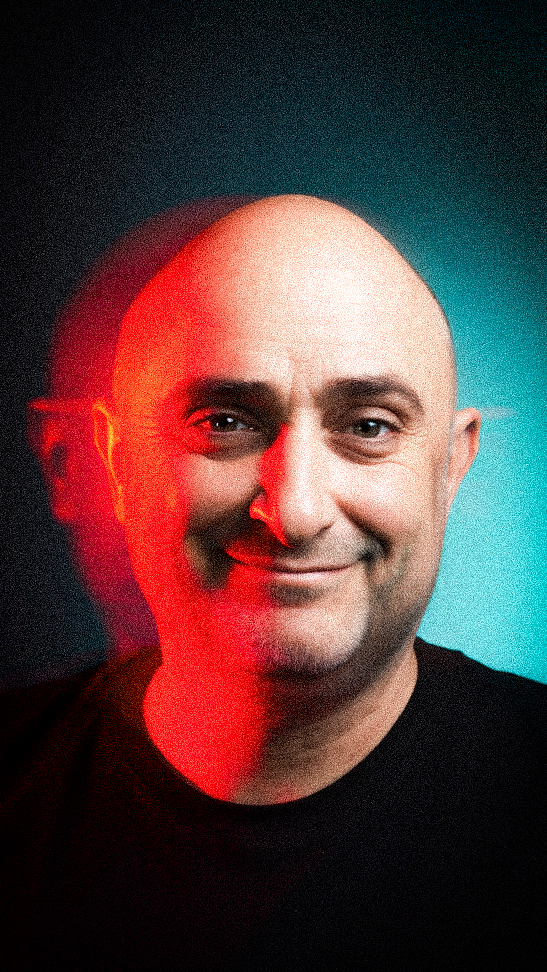
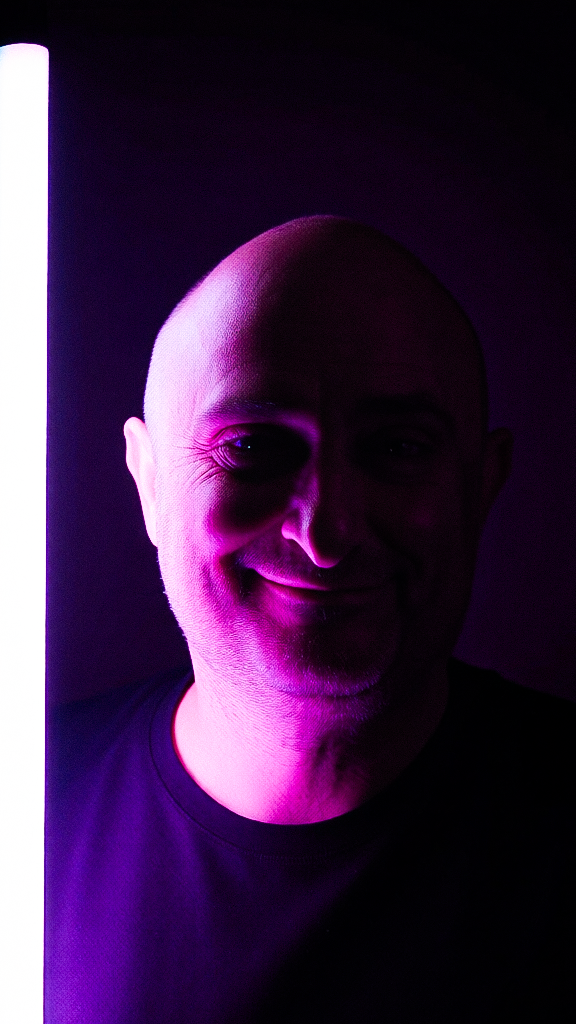
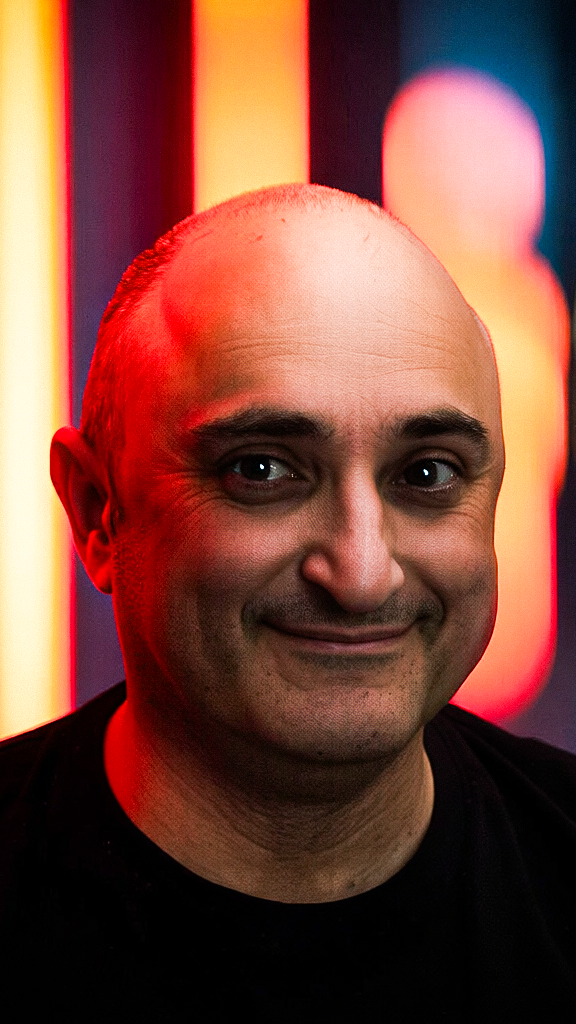
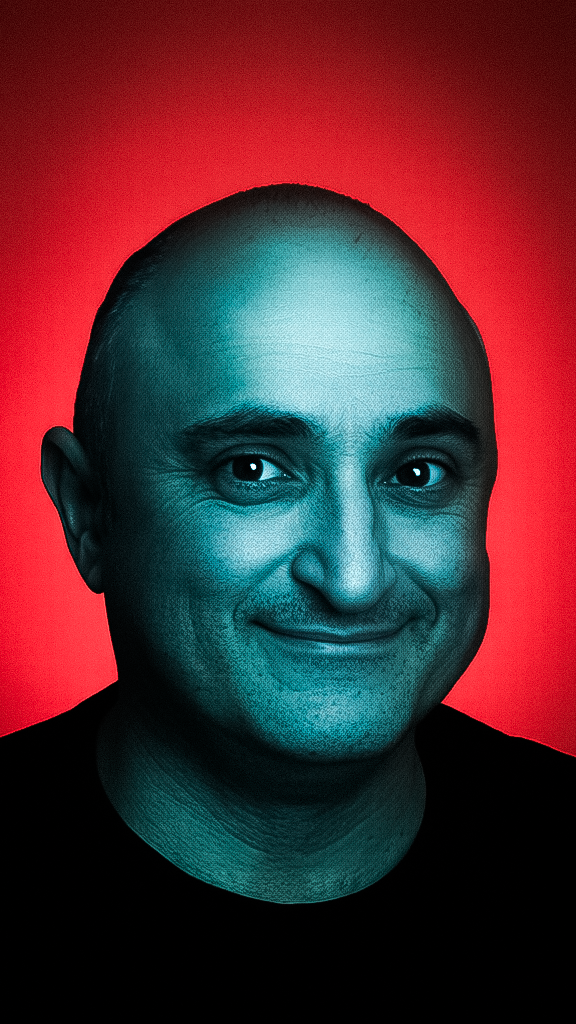
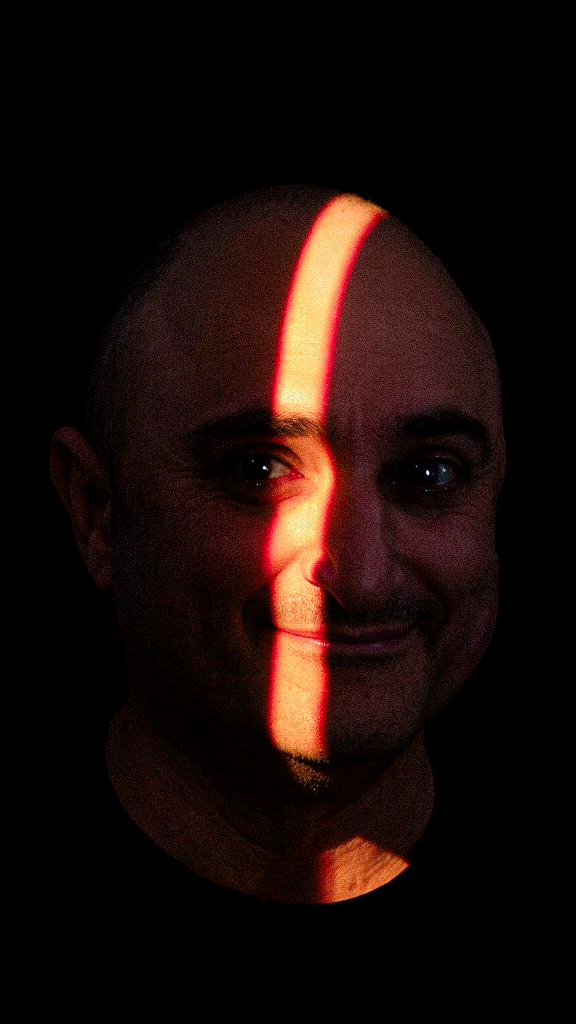
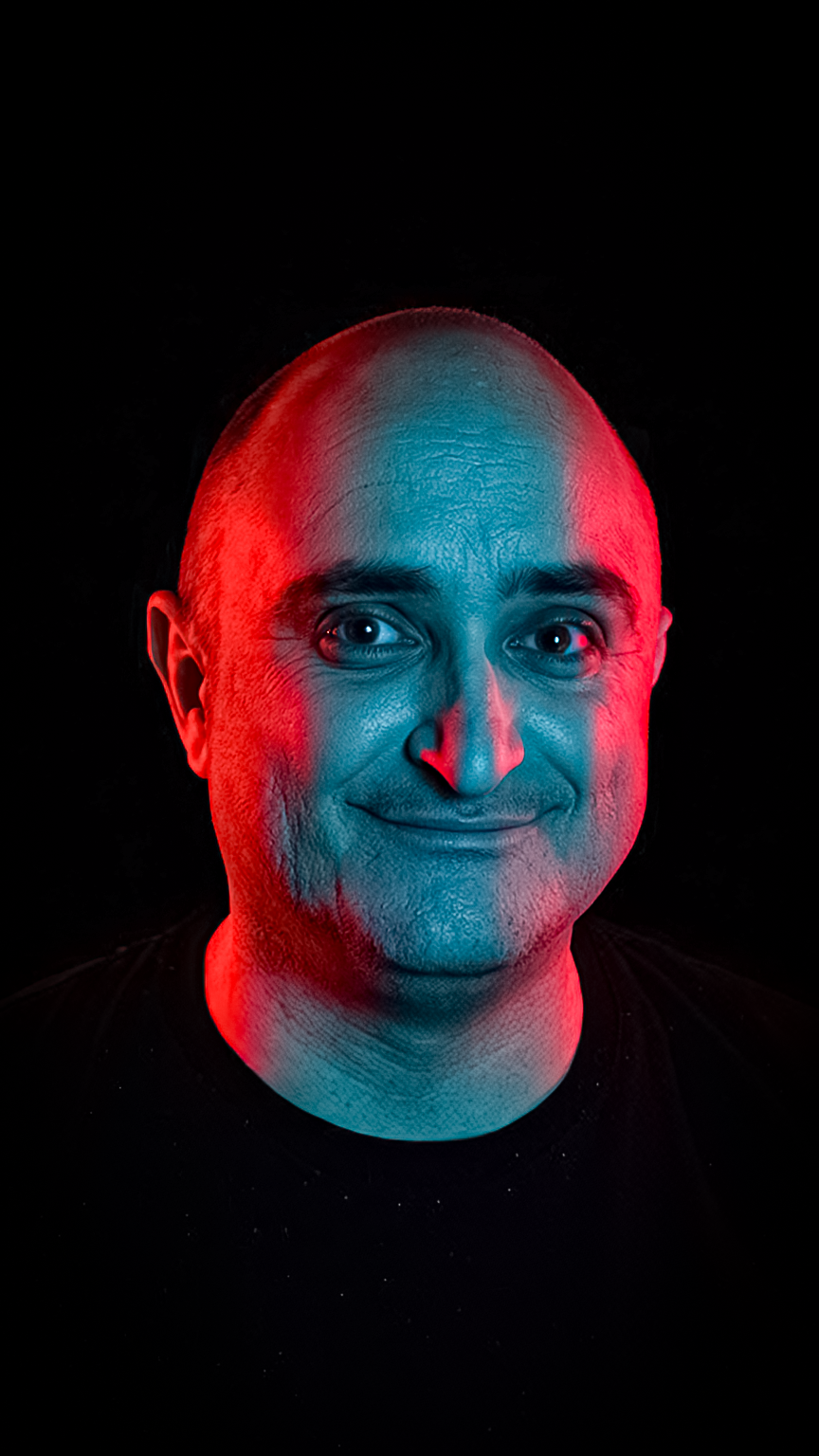
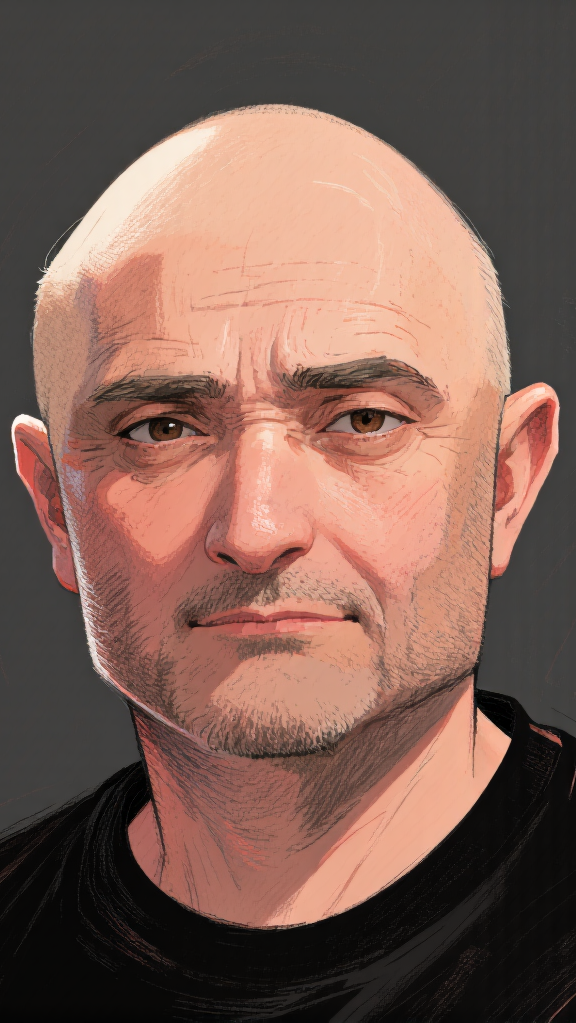
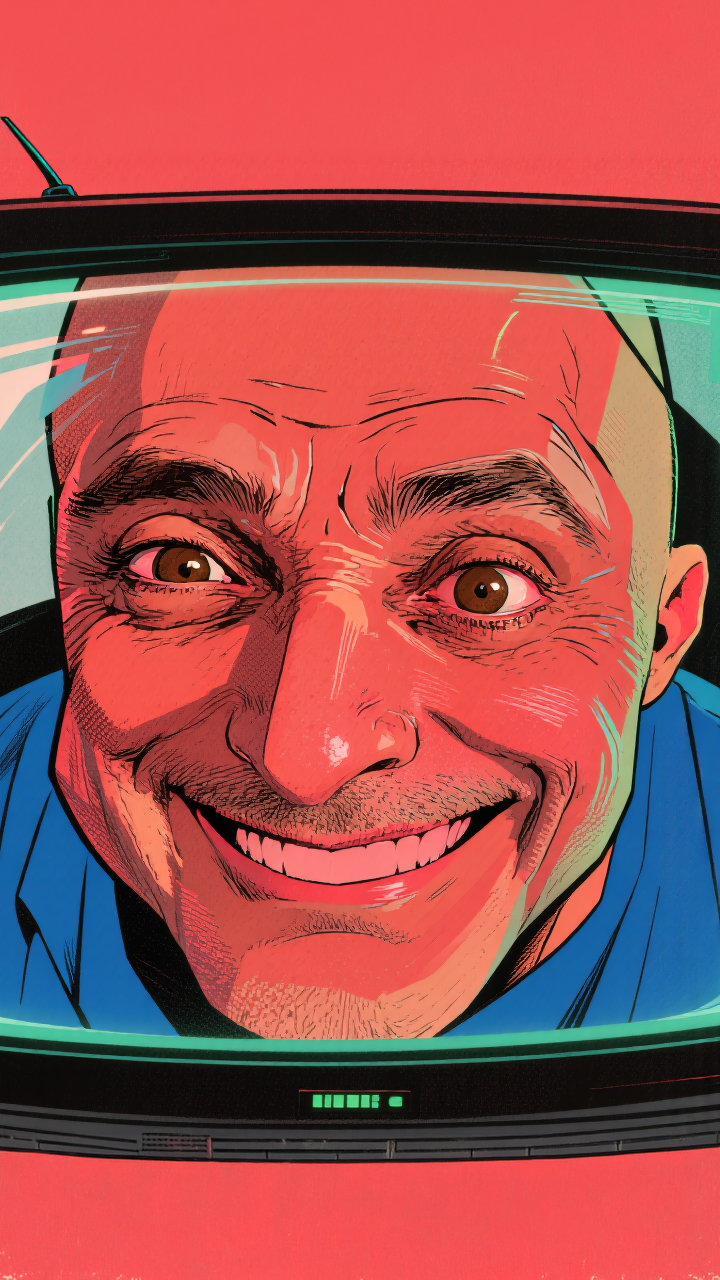
I currently have a personal database of my own photos, which allows me to generate images of myself in different situations without spending too much time in Photoshop.




3D, Textures & Virtual Environments
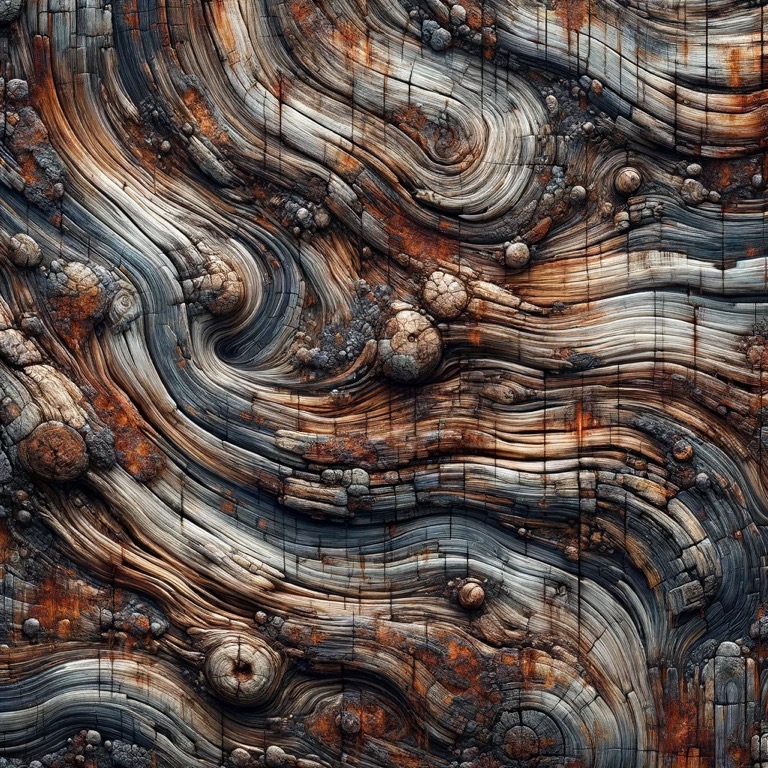
I also use AI to generate textures for 3D models, automate basic 3D forms that are later refined manually, and explore new models for automatic animation generation.
This process also extends into virtual environments such as Gaussian splatting and videos generated from static images.
Custom Chess Set
The advantage of a creative mind is the ability to use these tools in ways that were not necessarily imagined when they were created.
One example was the development of a customized chess set, which involved semi-automatic modeling and, finally, 3D printing.
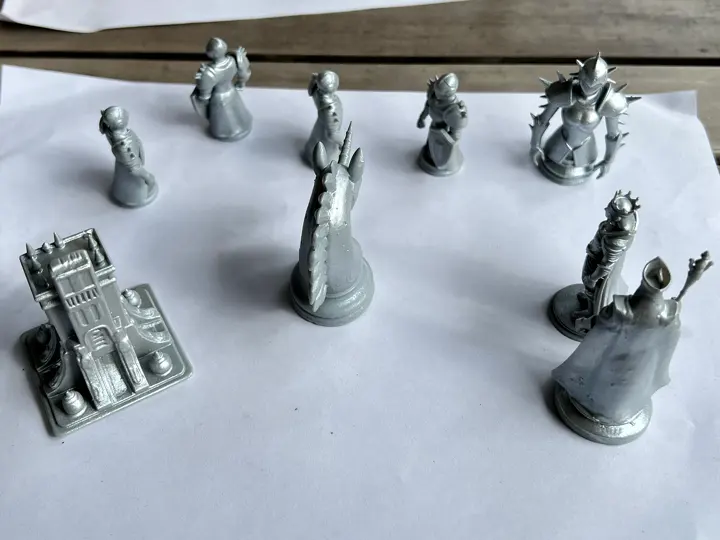
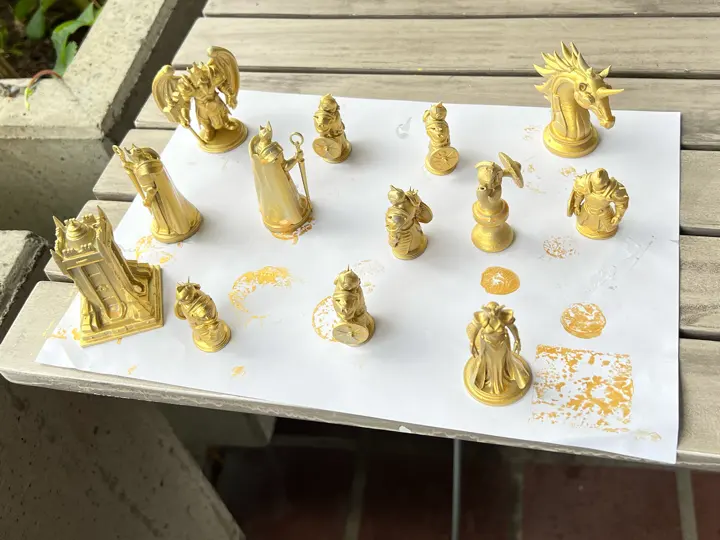
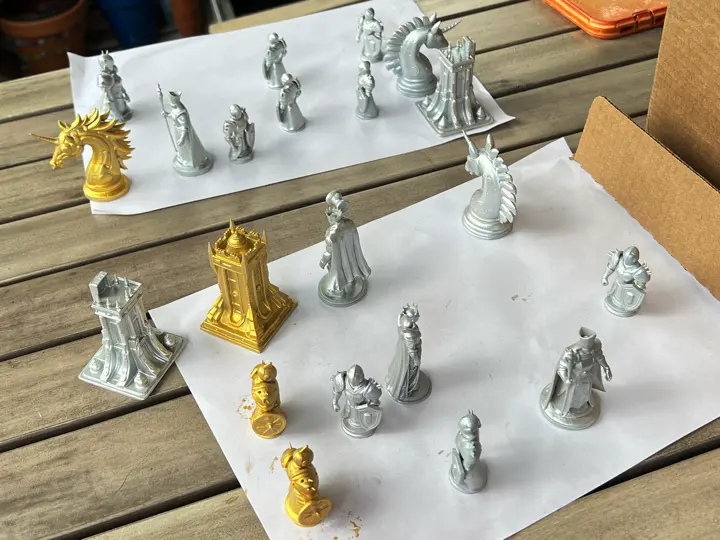
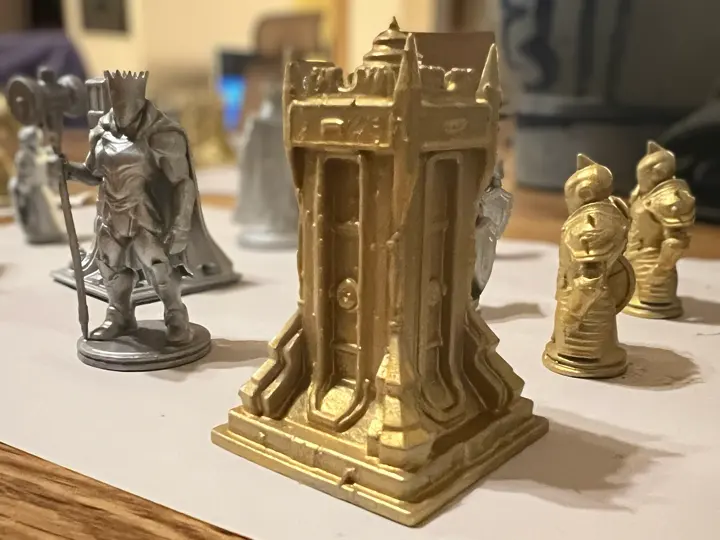
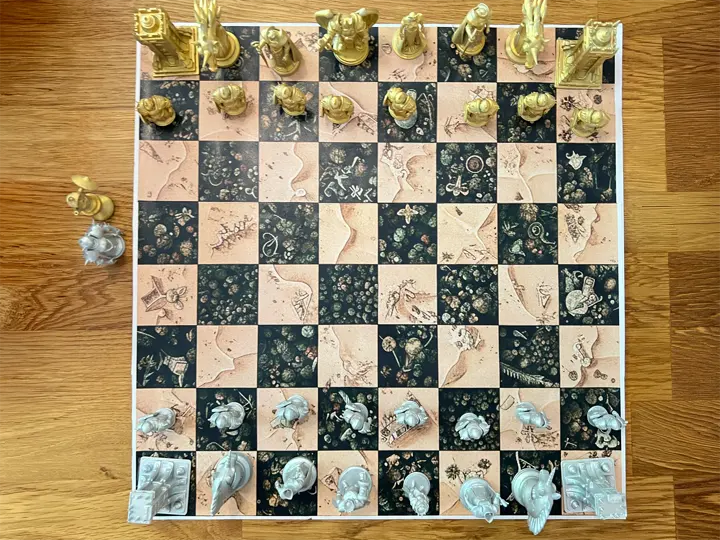
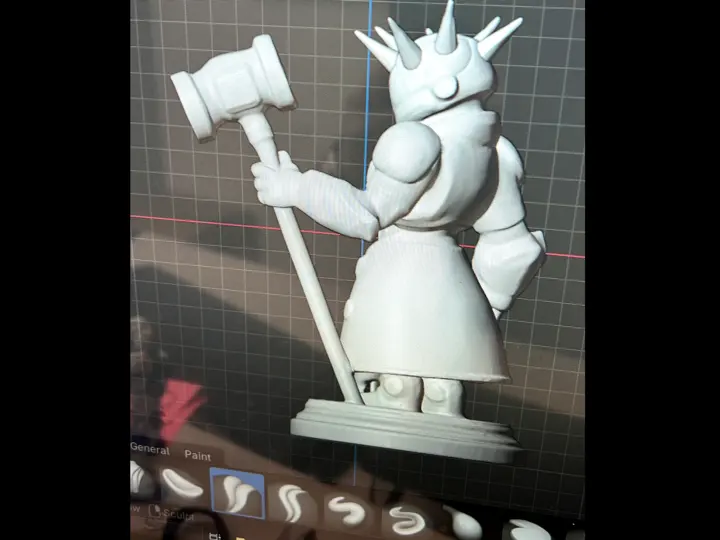
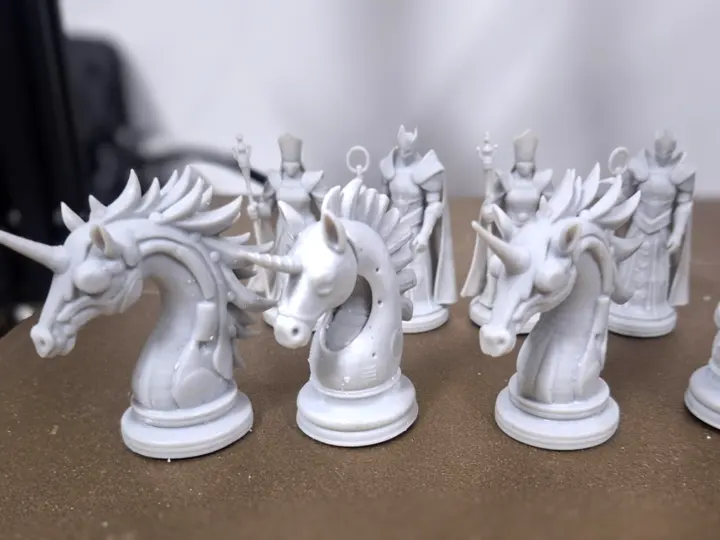
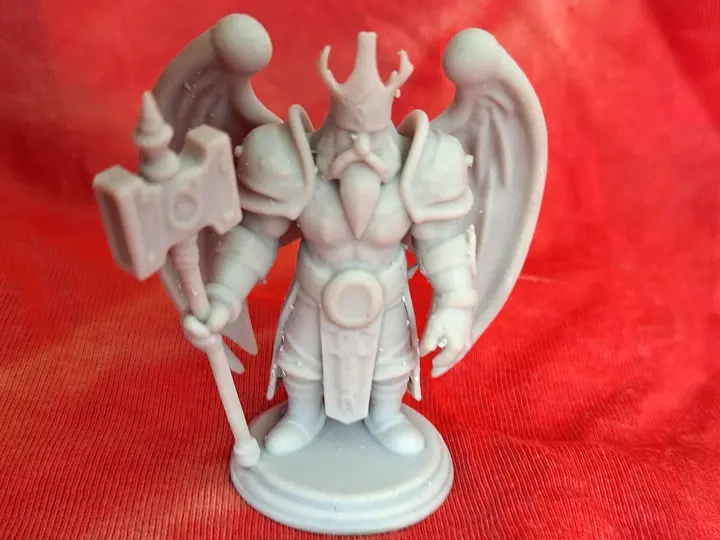
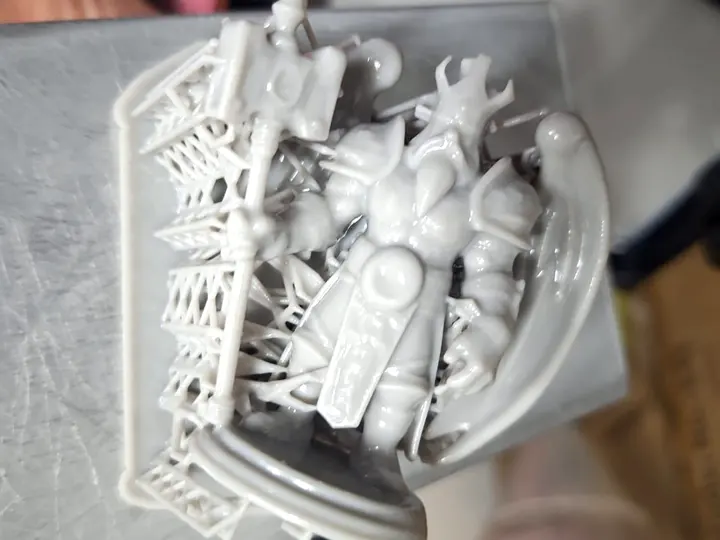
For this project, I created hundreds of reference images that were later transformed into resin-printed pieces and painted by hand. (Thank you, Mauricio Montel, for the generous present and for printing the pieces on an amazing resin 3D printer!)
The process gave me a lot of creative freedom in deciding and selecting the models, but it still involved dozens of days of research, as well as the traditional challenges of bringing objects from the virtual world into physical reality.
Sound, Voice-over & Independent Production
Beyond image generation, I also use AI in the sound layer of independent production. It helps me sketch music directions, test voice-over structures and build a first emotional rhythm before the final edit is refined.
This vertical piece keeps the format close to social video, where sound, voice and motion need to communicate immediately. I use AI as a practical support system here, while still paying attention to copyright, source material and final authorship.
Prototype, Refine, Hide the Problems - As with Any Work
Sometimes I need to present an illustration to a client, test an idea, or quickly visualize something that still exists only as research, a rough concept, or a single generated image.
There are already tools that help a lot in this visualization stage, especially for fast prototyping. Of course, they are never the final solution: there is always audio editing, color correction, some rotoscopy work, and a good amount of human patience to hide all the problems.
DaVinci Resolve AI Implementations
This example explores the creation of a depth map to remove backgrounds that were not originally designed to be removed.
Without chroma key, isolating this kind of scene could take days of manual rotoscopy. AI-based depth maps accelerate the process by making it possible to key out different levels of depth inside the image.
Houdini / Technical Research
AI also supports me in many technical problems, such as developing Python code for tasks inside Houdini. One of the most elegant solutions was the creation of a holographic lighting method inside Houdini, based on the position of points inside the Karma render.
Creative Approach
Of course, not everything is perfect. The solutions can sometimes be incredibly wrong. But when there is a basic level of knowledge behind the process, it becomes possible to guide the program toward solving the problem, and the result can be very encouraging.
It is still not possible to do everything automatically, but for me, AI opens doors to things I would not be able to do alone. The time spent finding solutions is still significant, but the process of solving problems through logic is very fun and interesting.